Start locally
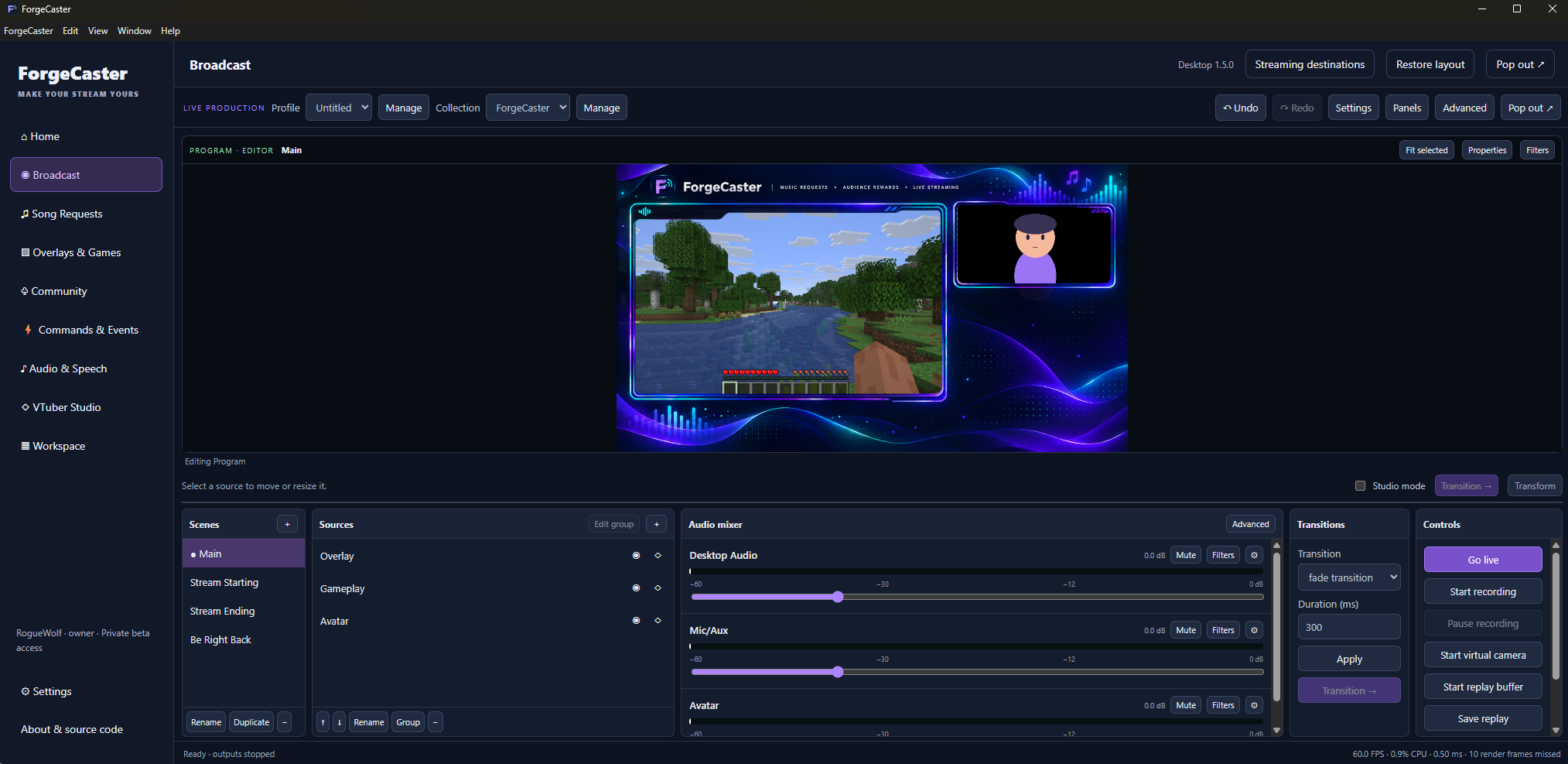
Compose scenes, mix audio, record and stream from Windows Desktop.
 ForgeCaster
Broadcast · VTuber Studio · Audience tools
Build scenes and bring your avatar to life on your computer. Connect music requests, gifts and audience reactions when you want a more interactive stream.
Free local broadcasting needs no account or card. Cloud features have separate plans and requirements.
More than an avatar window
Create a local 2D or 3D avatar project, tune expressions and motion, then place its output in your Broadcast scene. Keep advanced controls available without crowding your everyday workflow.
Basic 2D tools are free. Compatible 3D avatars and advanced creation or audience interactions depend on your plan.
Explore avatar workflows →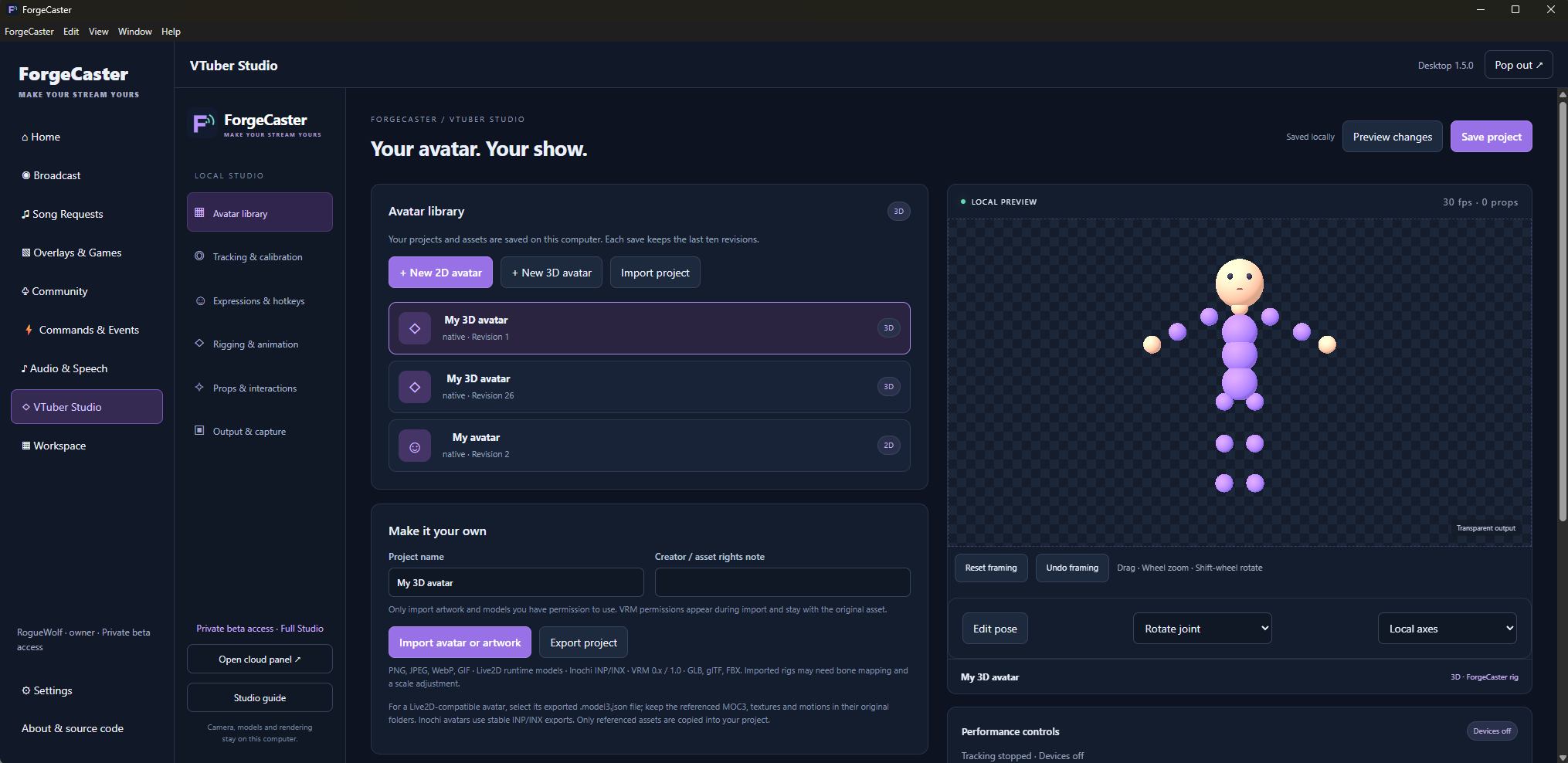
Compose scenes, mix audio, record and stream from Windows Desktop.
Bring compatible artwork or a model into VTuber Studio and test its local output.
Connect a cloud workspace for song requests, gift effects and configured audience actions.
Choose the tools your show needs
◈
Local audio reactive scenes, layered presets, clean output and silent loop exports.
Explore Visualizer →◇
Local face tracking, 2D and 3D avatars, rigging, animation and audience reactions in Desktop.
Explore VTuber Studio →◉
Free local scenes, recording and streaming with a bundled OBS engine and the ForgeCaster control room.
Explore Broadcast →♫
Keep every manual playback and queue control, alongside audience requests and gift priorities.
Explore Song Requests →▧
Follow, Like, Gift and Custom goals, browser sources, activity feeds and interactive games.
Explore Overlays & Games →◉
Choose who can speak, require a chat command, moderate messages and trigger sounds from events.
Explore Speech & sound →⚡
Viewer points, member benefits, reusable actions and stream profiles for different shows.
Explore Community & events →{ }
Write your own commands and HTML/CSS/JavaScript overlays with declared settings and scoped capabilities.
Explore Custom addons →⌂
A clear Home overview, customizable Stream View, customer billing and departmental support.
Explore One control room →Start with something simple
A free account can create up to three basic text or manual countdown overlays in its own workspace, without an always-on tenant. Gift extensions, live chat and automated rewards remain part of the connected cloud tools.
A clear path into your next show
Explore the simulated control room, read the setup guides, and try a private recording with your own devices. Tutorial videos are being prepared and will appear after review.