Choose your avatar workflow
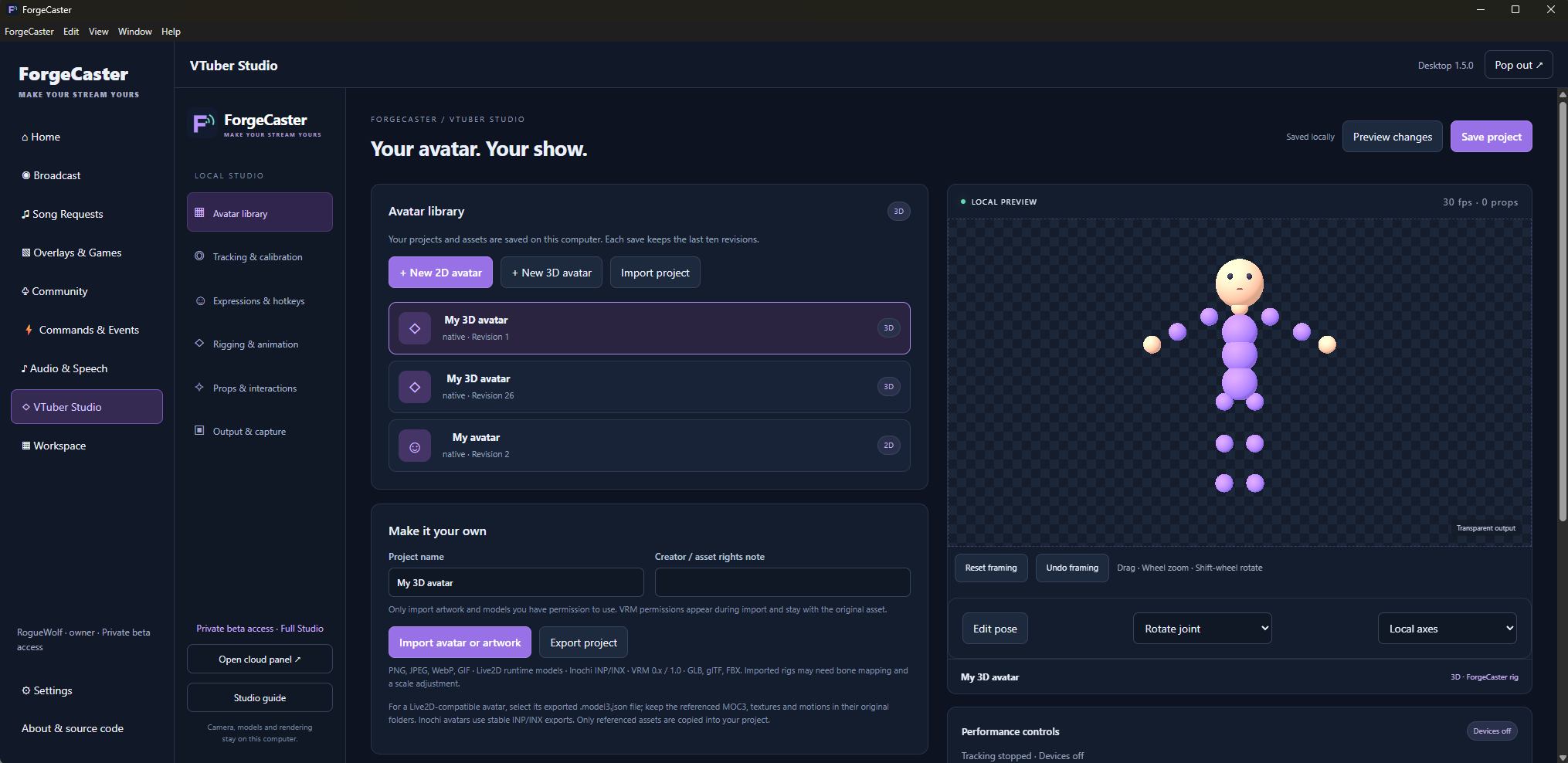
Use native layered 2D artwork and PNG images, compatible Live2D or Inochi models, or 3D VRM avatars. Imported rigs and expressions vary; check the model in local preview before using it on stream.
 ForgeCaster
 creator tools
Create with local 2D and VRM avatars, face tracking, expressions, animation and audience reactions in ForgeCaster Desktop.
Basic 2D avatar tools are free. 3D and advanced creation or audience interactions depend on your plan. Camera processing, avatar assets and rendering stay on your computer.
Use native layered 2D artwork and PNG images, compatible Live2D or Inochi models, or 3D VRM avatars. Imported rigs and expressions vary; check the model in local preview before using it on stream.
Choose your camera and microphone in Tracking & calibration. Webcam processing stays on your computer. Advanced workflows include body and hand input, VMC-compatible external tracking and per-region input selection.
Configure expressions, keyframe animations, embedded model clips or imported VRMA motion. Advanced controls include idle behavior, response curves and animation priorities. Model rigging and plan requirements determine which controls apply.
Bind supported gift, chat and other events to saved avatar reactions with cooldowns. Test locally before enabling your live interaction rules.
Copy the private local avatar source or add it from VTuber Studio. Keep Desktop running on the same computer as the receiving browser source. Review transparency, framing, audio and performance together.
Start with the setup guide, review your plan, and test your configuration before going live.